BMAD + Google Antigravity: The Perfect Duo Taking Vibe Coding to the Next Level
Discover how to install and leverage the BMAD Agile framework within Google Antigravity to elevate your Vibe Coding workflow, resulting in secure and scalable products.
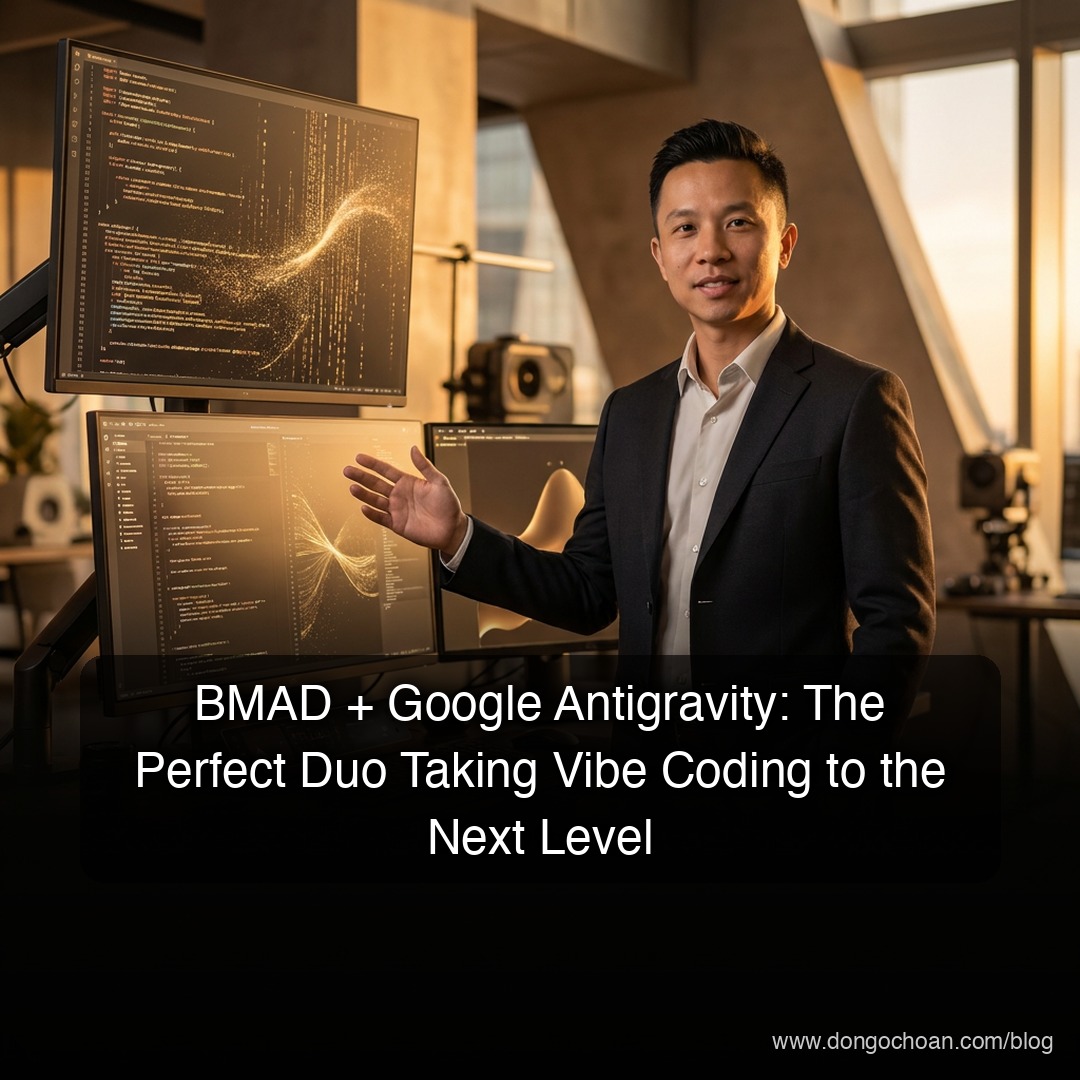
The concept of "Vibe Coding"—programming through natural language and raw creativity instead of manually typing lines of code—is rapidly gaining momentum everywhere. If you've been following this trend, you've definitely come across Google Antigravity. No longer just the punchline to an old gravity joke, this is currently Google's most powerful, agent-first IDE.
However, to truly transform your creative "Vibes" into scalable, production-ready, commercial-grade products, you need a professional methodology. That is exactly where BMAD (Breakthrough Method for Agile AI-Driven Development) enters the picture.
Today, I’ll walk you through how to install and optimize the BMAD framework natively within the Google Antigravity environment.
1. What Makes BMAD So Essential?
BMAD is much more than a rudimentary toolkit; it is a comprehensive C.O.R.E framework thoughtfully designed to merge traditional Agile mindsets with the unmatched horsepower of specialized AI Agents.
Rather than interacting with a singular, generic chat assistant, BMAD provisions an entire "virtual expert team" for your project. This team includes an Analyst, a Systems Architect, a Project Manager (PM), and a Developer.
These highly specialized agents collaborate and peer-review each other’s outputs to guarantee that your final code doesn't just "work," but adheres strictly to solid architectural patterns, remains secure, and is highly maintainable long-term.
2. Why Choose Google Antigravity?
People frequently ask me: "Why not just stick to Cursor or Claude Code?" The answer lies entirely in Antigravity’s unparalleled Mission Control capabilities.
Antigravity empowers you to oversee and orchestrate multiple distinct Agents simultaneously. Moreover, this IDE comes with an integrated headless Chrome browser specifically built to autonomously run end-to-end tests and visual QA validations in real time. When you couple this native execution power with BMAD's standardized workflows, you'll find that building heavily complex applications feels as light and effortless as... zero gravity.
3. Step-by-Step BMAD Installation on Antigravity
Before diving in, please verify that your local environment is running Node.js v20 or higher.
Step 1: Open the Integrated Terminal Launch Google Antigravity, load up your target project workspace, and open the integrated Terminal window.
Step 2: Run the Installer/Setup Execute the following command to download the latest v6 release, which features dedicated optimizations tailored precisely for Antigravity:
npx bmad-method@latest install
Step 3: Configure Your IDE
The interactive setup CLI will prompt you to declare your primary IDE. Gently tap your arrow keys and select Google Antigravity. BMAD will autonomously bootstrap all necessary slash commands and .bmad configuration files strictly within your local project directory.
4. Navigating the Product "Vibe" Lifecycle
Once successfully installed, you can start orchestrating your entire Agent team via native slash commands. Here is the exact blueprint I apply rigorously to my enterprise projects at Wizy:
Step 1: Ideation Initiation with
/brainstormResist the urge to start generating code immediately! Leverage this command to instruct the AI to aggressively probe your requirements for hidden edge cases and validate the overarching technical feasibility.Step 2: Structural Baseline via
/workflow-initRunning this automatically scaffolds standard Agile documentation structures—spanning from initial PRDs (Product Requirement Documents) all the way to comprehensive System Architecture mappings.Step 3: Granular Task Decomposition with
/sprint-planningThe PM Agent will systematically fracture your epic requirements into incredibly small, actionable User Stories. This is an absolutely crucial step for maintaining pace and unwavering quality control.Step 4: Real Execution via
/dev-storyThis is the precise moment "Vibe Coding" truly shines. Simply feed your descriptive functionality to the terminal; the Developer Agent will cross-communicate with the Architect Agent to draft the implementation. Then, they’ll autonomously dispatch it to the Antigravity integrated browser to self-verify stability.
5. The PM Perspective: Quality Over Quantity
As I previously emphasized within the lovable.vn community, the most terrifying mistake modern Vibe Coders make is an over-reliance on pure AI generation speed, invariably leading to volatile "spaghetti code." BMAD rigorously forces us to traverse necessary Planning and Review gates.
Inside Antigravity, you can forcefully enable "Party Mode," compelling multiple specialized Agents into heated architectural debates prior to enacting any destructive changes upon your primary codebase. This single shift drastically mitigates the infamous LLM "hallucination" phenomena and permanently keeps your project's trajectory laser-focused.
Conclusion
The harmonic blend of the BMAD framework and Google Antigravity operates as the master key—unlocking our evolution from mere "prompt typists" into highly capable "Solution Architects."
If your ambitions scale toward large enterprise applications (like CookConnects) or native AI platforms, do not hesitate to experiment with this dynamic duo today. I sincerely hope this guide serves as a valuable milestone in your continuous journey exploring the frontiers of AI.
Have you successfully configured BMAD within Antigravity yet? Drop your comments below or ask me any questions over at the Vibe Code Community!
#AI #VibeCoding #BMAD #GoogleAntigravity #Agile #Productivity