Cat Gatekeeper: Stop Your 2 AM Doomscroll With An Adorable Cat Blocker
Cat Gatekeeper is a free Chrome extension that blocks time-wasting sites (TikTok, YouTube, Instagram) with an adorable cat blocker instead of harsh warnings. Privacy-respecting, fun, and surprisingly effective at beating doomscrolling and deadline anxiety.
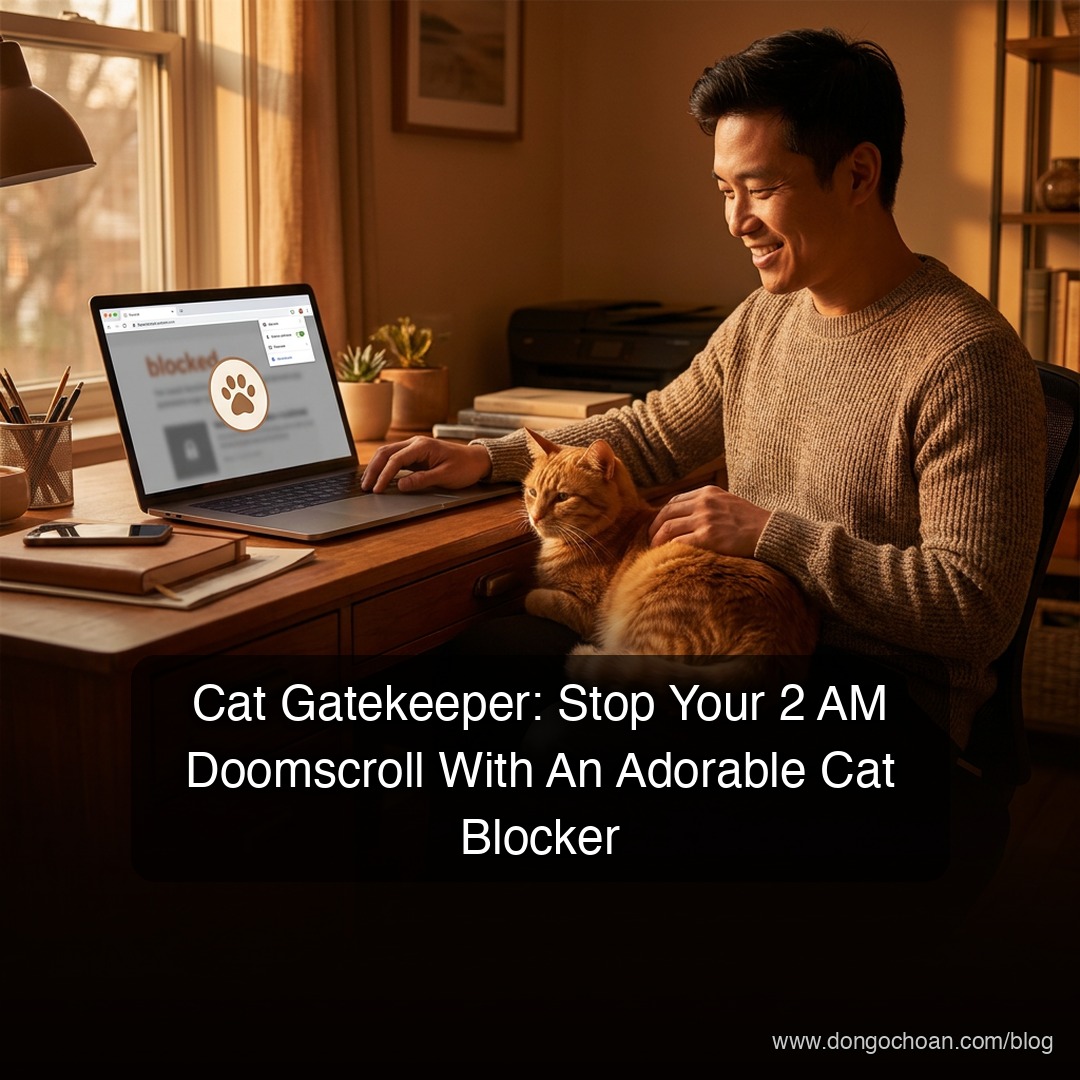
Doomscrolling: The Silent Productivity Killer
Ever find yourself mindlessly scrolling TikTok at 2 AM, only to wake up at 6 AM in a panic because you missed a deadline?
You're coding, trying to debug a stubborn function. Or writing a report and staring at a blank page. Without thinking, you crack open a new tab, type "youtube.com," or pull out your phone for "just five minutes" on TikTok to decompress.
Then suddenly, two hours have evaporated.
This compulsive, endless scrolling through social feeds is called doomscrolling. It's like eating sunflower seeds at a tea shop—you know it's pointless, your throat hurts, but your hand won't stop cracking them open and your mouth won't stop chewing. The casual promise of "five more minutes" is a classic lie.
We need something stronger. But not punishing.
Enter Cat Gatekeeper: Your Adorable Website Bouncer
Cat Gatekeeper is a browser extension that acts as the cutest "website manager" in the solar system.
Here's how it works:
- Set a time limit for scrolling (e.g., 15 minutes for YouTube)
- When time expires, BOOM! An adorable, chubby cat appears right in the middle of your screen
- The cat blocks the entire site — no more scrolling until your break time ends
You could close the tab, sure. But then you're faced with the reality check: "I just got blocked by a cat." That's enough to send most of us back to work.
Why Cat Gatekeeper Stands Out
The market is flooded with website blockers. But Cat Gatekeeper has earned its place:
1. Targets the Real Time-Killers
Works flawlessly on the sites that actually derail your focus:
- YouTube
- TikTok
- Twitter/X
2. Free (Actually Free)
- 100% free, no hidden charges
- Zero ads cluttering your browser
- No premium version to upgrade to
3. Privacy-First
- No tracking
- No data collection
- Respects your information—a huge plus for security-conscious people
4. Psychological Wins Over Punishment
Instead of a red banner screaming "YOU'RE OUT OF TIME, GET BACK TO WORK!" (which kills motivation), you see a fat cat blocking your screen. You laugh. You accept it. You get back to work.
How to Use It (Ridiculously Simple)
- Install the extension from Chrome Web Store
- Click the cat icon in your toolbar
- Choose a website to limit (YouTube, TikTok, etc.)
- Set your time cap (e.g., 30 minutes per day)
- Start scrolling — the timer counts down
- When time expires — cat appears, site blocks, game over
That's it.
Who Should Use This?
✅ Students & Online Learners
Prepping for exams but YouTube keeps calling? Cat Gatekeeper saves you.
✅ Freelancers & Content Creators
Deadlines loom but TikTok addiction is real? Let the cat help.
✅ Engineers & Developers
Debugging requires deep focus? Lock the distractions away.
✅ Project Managers
Want your team to stay focused? Recommend they install it.
Honest Limitations
Cat Gatekeeper is excellent, but has boundaries:
- You can still close the tab: It's not foolproof—determined users can bypass it. But the psychological friction works
- Browser-only: It won't block the mobile TikTok app
- Manual setup required: Each site needs individual configuration
The Verdict
Sometimes, managing time and personal projects doesn't require military discipline or complex systems. A gentle, adorable reminder beats harsh enforcement every time.
Install Cat Gatekeeper. See if a cute cat can help you doomscroll less and focus more.
Reference: Cat Gatekeeper Chrome Extension
✍️ The Author: Do Ngoc Hoan Founder of CookConnects.ca & Wizy.ca. Bridging the gap between advanced algorithms and business execution. I write for technical founders looking to scale their impact with AI and robust engineering.
#CatGatekeeper #Productivity #Doomscrolling #ChromeExtension #FocusTools #Wellbeing