Claude Code vs Cursor: 5.5x Cheaper But Missing One Critical Feature
Independent tests show Claude Code uses 5.5x fewer tokens than Cursor for identical tasks. So why do developers still choose Cursor? One feature: visual diff. Here's the honest breakdown.
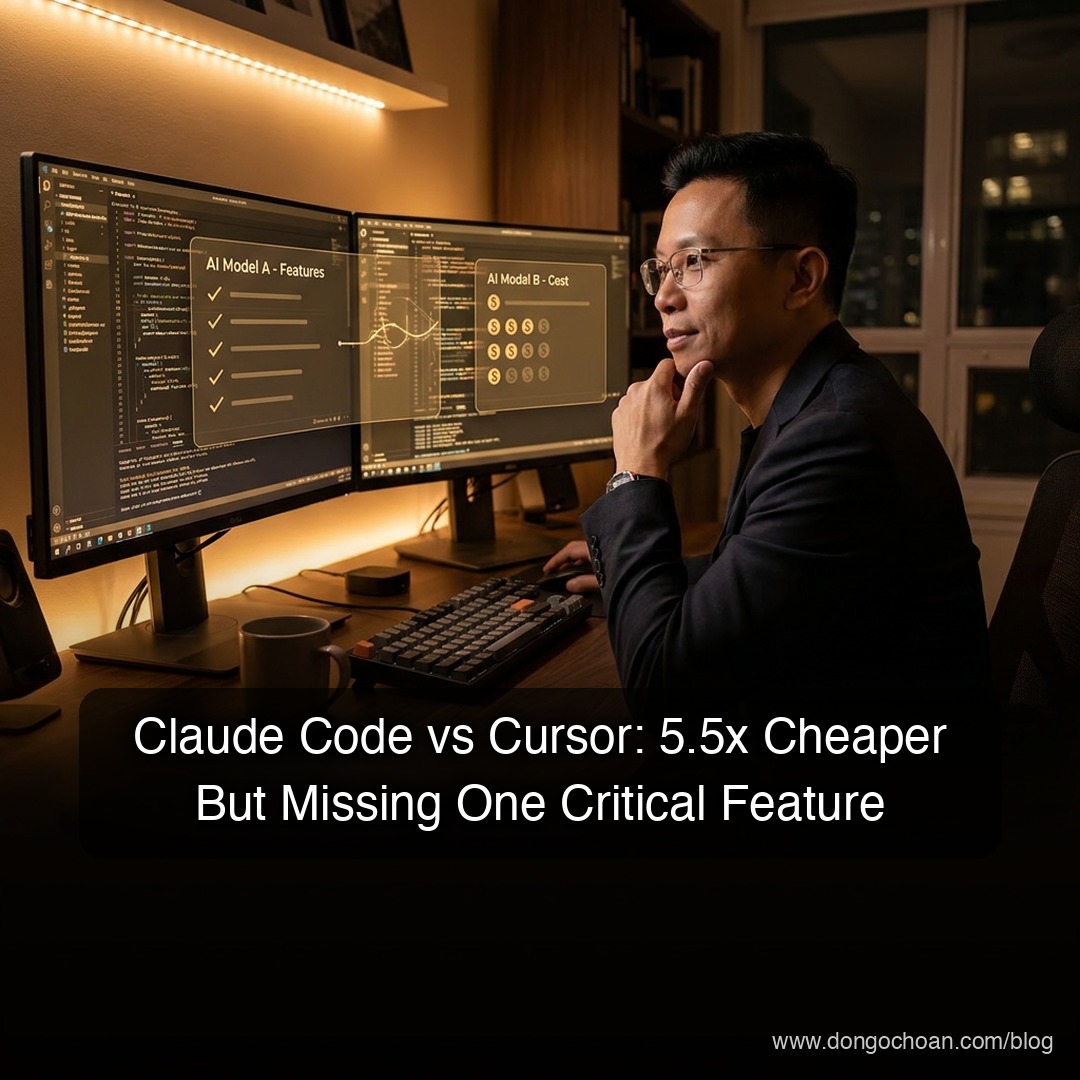
"Should I add Cursor to my stack?" is one of the most common questions in the developer community right now. After digging into the numbers and architecture, here's the straight answer: you probably don't need it yet—but there are specific scenarios where Cursor genuinely shines, and one surprising data point you need to know before deciding.
Quick Comparison: Claude Code vs Cursor vs Antigravity
| Claude Code | Cursor | Antigravity | |
|---|---|---|---|
| Accuracy | ✅ Higher | Good | High (multi-agent verify) |
| Token efficiency | ✅ 5.5x cheaper | Token-heavy | N/A |
| Visual diff | ❌ Terminal format | ✅ IDE visual | N/A |
| Cross-provider | ❌ Claude only | ✅ Claude + OpenAI | Config-dependent |
| Multi-agent | ❌ Sequential | ❌ Sequential | ✅ Parallel |
| Best for | Solo, heavy tasks | Team collab, code review | Complex autonomous tasks |
The Real Reason to Add Cursor: Visual Diff
Developers cite this as the #1 reason they prefer Cursor despite Claude Code having better accuracy: visual diff.
Reviewing code changes in terminal format (Claude Code) is significantly slower than seeing visual diffs in an IDE. You read through line-by-line text changes. Cursor shows color-coded, side-by-side diffs in full IDE context—faster and dramatically lower cognitive load.
This isn't a flashy feature, but in daily practice, it saves meaningful time during review cycles.
The second legitimate reason is cross-provider access. Cursor lets you use both Claude and OpenAI models in the same interface without separate account setups. When one vendor goes down (and it happens), you switch instantly without disrupting your workflow.
The Hidden Cost Trap Nobody Talks About
Here's the most surprising data point: independent testing shows Claude Code uses 5.5x fewer tokens than Cursor for identical tasks.
If you're running heavy projects, Cursor's bill climbs fast compared to Claude Code. For a solo founder running frequent automated tasks, the difference can reach tens of dollars per month.
Cursor's real cost is significantly higher than the subscription price you see at signup.
Antigravity: A Fundamentally Different Architecture
Antigravity's core differentiator isn't accuracy or pricing—it's multi-agent architecture:
- A manager agent analyzes the task and delegates to specialized agents
- Specialized agents run in parallel: one coding, one running terminal commands, one testing in the browser—simultaneously
- Agents cross-verify each other's work and iterate until everything passes
Both Claude Code and Cursor run sequentially—one step at a time. Antigravity runs in parallel—multiple workstreams concurrently.
For complex tasks (e.g., build a feature + write tests + deploy + verify), Antigravity is meaningfully faster. This is something neither Claude Code nor Cursor currently offers.
When Should You Actually Add Cursor?
Based on this analysis, Cursor is worth considering when:
- ✅ You start collaborating with others in the same codebase — visual diff genuinely saves time during PR review
- ✅ You need a fallback when Claude goes down — cross-provider access has real practical value
- ✅ Your tasks aren't token-heavy — if you're mostly doing quick edits, the cost gap matters less
Cursor is not needed yet when:
- ❌ You're a solo founder doing Vibe Coding — your current stack is already solid
- ❌ You run many heavy automated tasks — 5.5x token cost adds up fast
- ❌ You don't have a team review workflow — visual diff provides little value
Bottom Line
If you're a solo technical founder (Vibe Coding for projects like Lovable or Wizy), your current Claude Code stack is solid. Add Cursor when you start needing collaborative code review with others.
The 5.5x token efficiency gap isn't a marketing claim—it comes from independent testing. Calculate your actual cost before switching or adding new tools.
And Antigravity? Keep watching it. Parallel multi-agent architecture is the direction the industry is heading—when it matures and establishes clear pricing, it could be a genuine game-changer for complex automation workflows.
✍️ The Author: Do Ngoc Hoan Founder of CookConnects.ca & Wizy.ca. Bridging the gap between advanced algorithms and business execution. I write for technical founders looking to scale their impact with AI and robust engineering.