MoneyPrinterTurbo: One Keyword In, a Finished HD Short Video Out
Type a keyword, get a finished HD short video: script, royalty-free footage, subtitles, AI voiceover, and music — fully automated and open source.
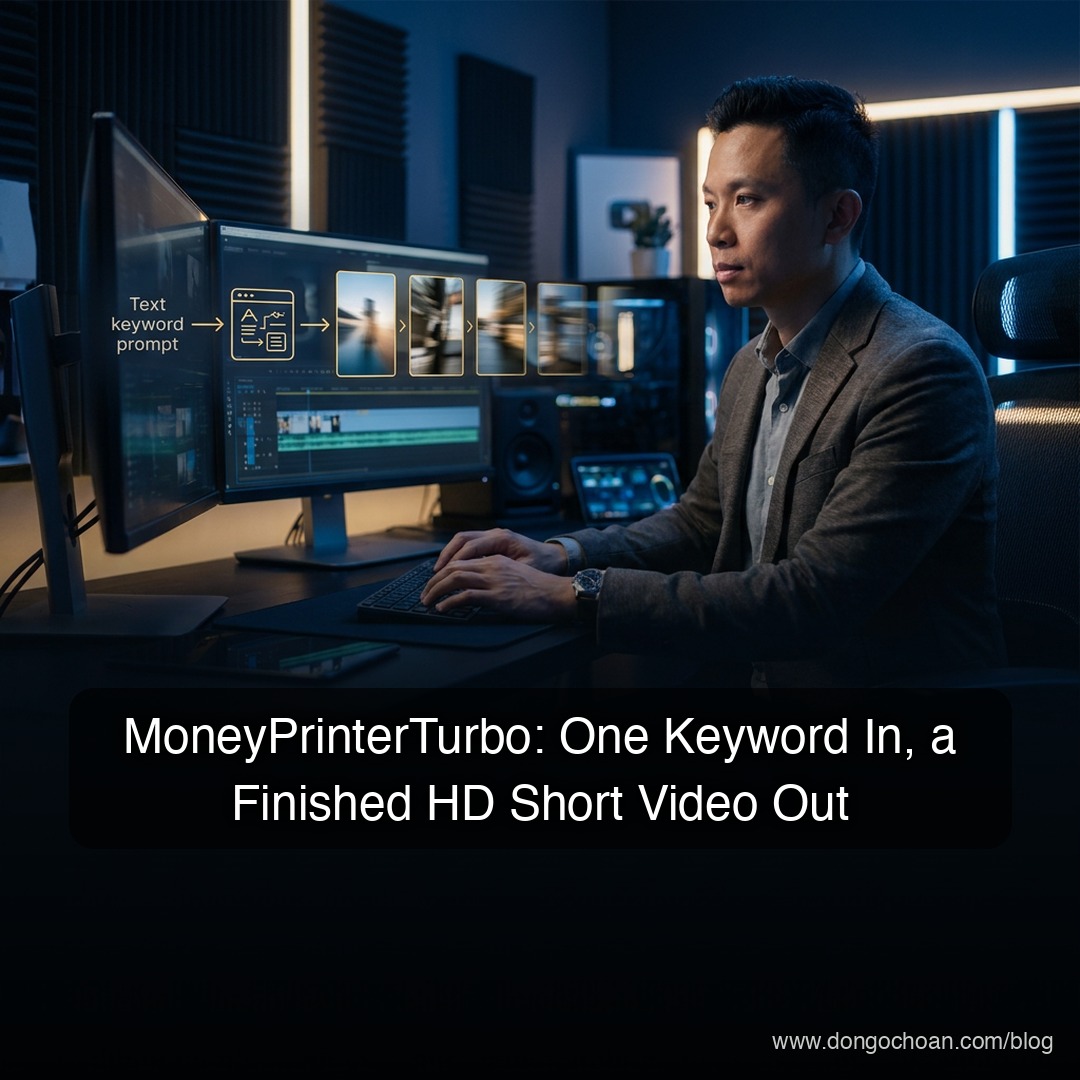
What if creating a short-form video took exactly one input: a keyword? That's the entire premise of MoneyPrinterTurbo — an open-source tool that takes a topic and automatically handles everything else: writing the script, sourcing royalty-free HD footage, generating subtitles, adding an AI voiceover, and mixing in background music. The output is a finished, publish-ready video.
For anyone producing TikTok, Reels, or YouTube Shorts content at volume, this collapses a multi-hour editing workflow into a single prompt.
See It in Action: English Demos
The videos below were generated end-to-end by MoneyPrinterTurbo (via the community Extended fork) — script, footage selection, English AI voiceover, word-highlighted subtitles, and music, all automatic.
Landscape 16:9 — "Fitness Made Simple: Science-Backed Rules in Under 3 Minutes"
Shorts 9:16 — "Why You Can't Stop Scrolling"
Shorts 9:16 — "The Science of Sleep" (open-source Chatterbox TTS voice)
Key Features
Full automation — Enter a keyword and the AI generates the script (or write your own), then assembles the complete video end to end.
Both aspect ratios — Portrait 9:16 (1080x1920) for TikTok/Reels/Shorts, and landscape 16:9 (1920x1080) for YouTube.
Batch generation — Produce multiple video variants in one run, then pick the best version.
Flexible customization:
- Video: Control clip duration (scene-change frequency). Footage comes from royalty-free HD sources, or use your own local video files.
- Subtitles: Customize font, position, color, size, and outline.
- Voice & music: Multiple AI voices with real-time preview, background music chosen randomly or from a specific file, with automatic volume balancing.
Multi-language scripts — Strong support for English and Chinese video scripts.
Bring your own LLM — Works with OpenAI, Claude, Gemini, DeepSeek, Qwen, Moonshot, Ollama, Azure, and more. You're not locked into one provider.
WebUI + API — A friendly Streamlit web interface for creators, plus a clean MVC-architecture API for developers who want to integrate it programmatically.
System Requirements
- OS: Windows 10+, macOS 11+, or common Linux distributions.
- GPU: Not required — but strongly recommended for faster video processing, Whisper subtitle generation, and rendering.
| Component | Minimum | Recommended | Optimal |
|---|---|---|---|
| CPU | 4 cores | 6–8 cores | 8+ cores |
| RAM | 4 GB | 8 GB | 16+ GB |
| GPU | None | 4+ GB VRAM | 8+ GB VRAM |
Installation: Four Ways to Run It
Method 1: Google Colab (zero install)
Just want to try it? Run the project directly on Google Colab via the link in the project's README — nothing to install locally.
Method 2: 1-Click Windows Package
- Download the package (v1.2.6) via the Google Drive link in the GitHub repository.
- Extract the folder.
- Double-click
update.batto pull the latest source code. - Double-click
start.batto launch. Your browser opens the WebUI automatically (Chrome or Edge recommended).
Method 3: Docker (recommended for stability)
The cleanest path if you have Docker installed — no environment headaches:
git clone https://github.com/harry0703/MoneyPrinterTurbo.git
cd MoneyPrinterTurbo
docker-compose up
Then open http://127.0.0.1:8501 in your browser.
Method 4: Manual Python Install
Requires Python 3.11 and uv (the fast Python package manager):
git clone https://github.com/harry0703/MoneyPrinterTurbo.git
cd MoneyPrinterTurbo
uv python install 3.11
uv sync --frozen
Install ImageMagick:
- Windows: Download the static
.exebuild from the ImageMagick website (note the install path — you'll need it for configuration). - macOS:
brew install imagemagick - Ubuntu:
sudo apt-get install imagemagick
Launch the WebUI:
- Windows:
.\webui.bat - macOS/Linux:
uv run streamlit run ./webui/Main.py --browser.gatherUsageStats=False
Configuration
Before generating your first video, set up the required API keys:
- Find
config.example.tomlin the project root. - Copy it and rename to
config.toml. - Fill in the essentials:
pexels_api_keys— your Pexels API key (used to auto-download royalty-free footage).llm_provider— your AI provider (e.g., openai, gemini, aihubmix...) plus its API key.- On Windows manual installs, set
imagemagick_pathto your actual install path (e.g.,C:\\Program Files\\ImageMagick-7.1.1-Q16-HDRI\\magick.exe).
Voiceover & Subtitles: The Quality Trade-off
- Voiceover: Multiple AI voices are supported; the most realistic ones come from Azure (requires an Azure API key).
- Subtitles: Two engines to choose from:
edge— fast and lightweight, decent quality.whisper— slower and resource-hungry, but highly accurate. First run downloads a ~3GB language model.
If you have the hardware, Whisper subtitles are worth it — subtitle accuracy is what makes or breaks short-form video retention.
The Bottom Line
MoneyPrinterTurbo isn't a video editor — it's a video factory. The batch generation feature combined with bring-your-own-LLM flexibility makes it especially compelling for creators testing content at volume: generate five variants of the same topic, post the best one, repeat. For developers, the API + MVC architecture means it can slot into a larger content automation pipeline.
Reference: MoneyPrinterTurbo on GitHub
#MoneyPrinterTurbo #AIVideo #ShortFormVideo #ContentAutomation #OpenSource #TikTok #YouTubeShorts
✍️ The Author: Do Ngoc Hoan Founder of CookConnects.ca & Wizy.ca. Bridging the gap between advanced algorithms and business execution. I write for technical founders looking to scale their impact with AI and robust engineering.