Stop Giving Your AI Agent the Master Key: A Guide to RBAC for Agents
Giving your AI Agent admin keys without guardrails is a disaster waiting to happen. Learn how RBAC transforms your Agent from a rogue actor into a well-disciplined, auditable autonomous employee.
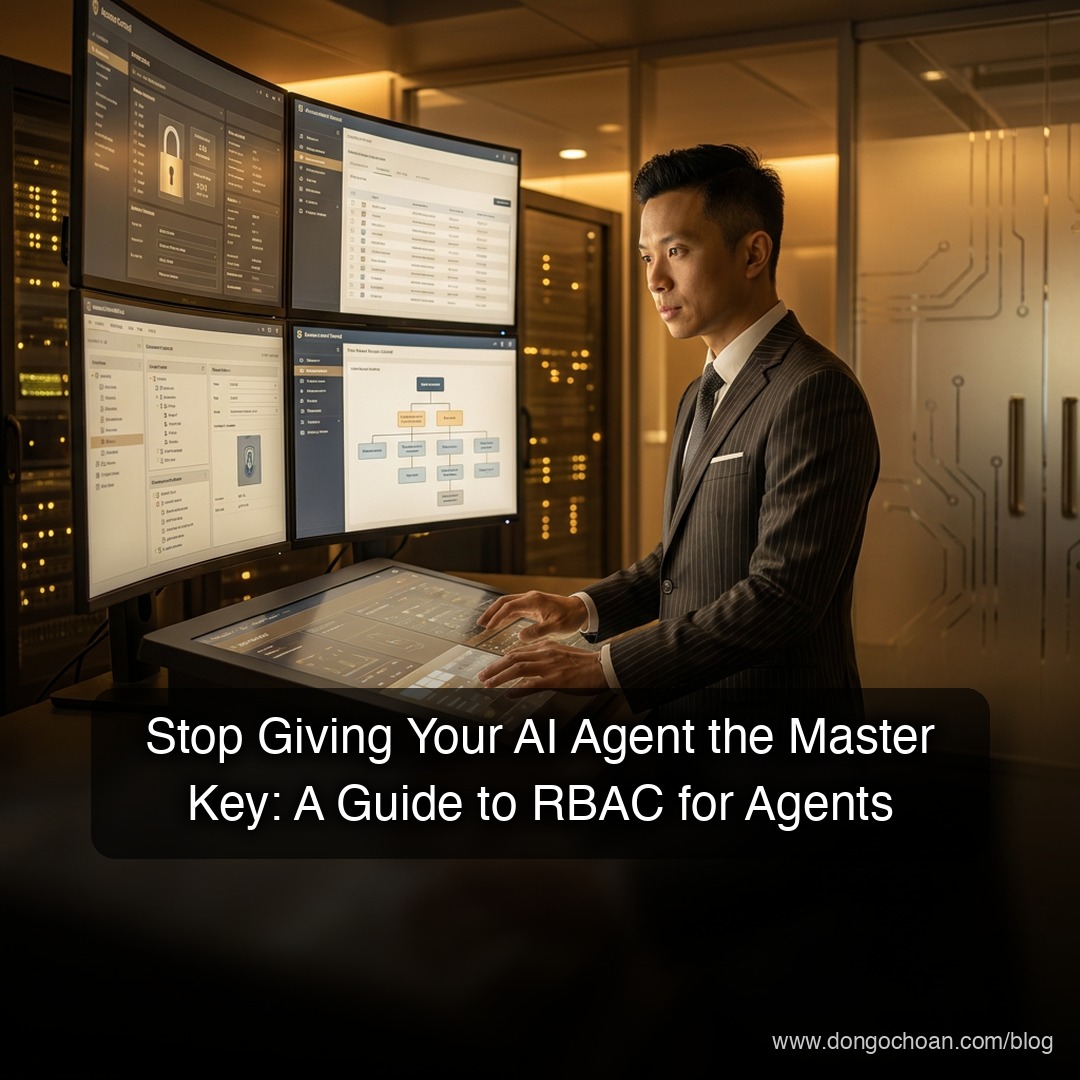
You are rushing to build super-intelligent Agents, but has anyone stopped to ask: is it currently "over-reaching" within your own system? This post will explore how to properly constrain your Agent using RBAC, keeping things both safe and effective.
Why Do We Need to "Scrutinize" AI Agents So Closely?
In a typical web app, users log in with a username and password. But an Agent is an autonomous entity. If you just throw it an "almighty" API Key with Admin access, the risks are significant:
- It could accidentally wipe your customer's data while trying to... summarize a report.
- If that API Key is leaked, a bad actor can command your Agent to wreak havoc without you even knowing.
That's why we need a separate mechanism for Authentication and Authorization for these "virtual employees."
From "Master Key" to "Employee Badge" (RBAC)
Instead of handing the Agent a key that opens every door, we should assign it an Employee Badge with a specific job title. This is RBAC (Role-Based Access Control).
Think of it like managing a coffee shop:
- Roles: There's the Barista, the Server, and the Manager.
- Permissions: The Server can take orders, the Barista can use the espresso machine, the Manager can open the cash register.
- The Agent: You assign your Agent to the "Server" role. That's it—it can never touch the "cash register" (your sensitive database).
Three Pillars to Properly Constrain Your Agent
For an Agent system to run smoothly without risk of a "mutiny," you need three steps:
- Identification: Every Agent must have its own unique ID. Never share one account across all your Agents. If one gets compromised, the whole fleet goes down.
- Authentication: The Agent must prove who it is (via JWTs, API Keys, or mTLS). This is the "checking the employee badge" step at the door.
- Authorization: Once we know it's "one of ours," we then check if it has the right to call the
delete_user()function. This is where RBAC shines.
The Benefits Go Beyond Security
Applying RBAC to Agents makes life significantly easier:
- Easier Auditing: Look at the logs and instantly know what the "Advisor" Agent did and when. No more finger-pointing.
- Better Scalability: When you add 10 more Agents later, you just assign them a Role—no manual configuration needed for each one.
- Better Sleep: You can rest easy knowing your AI cannot unilaterally give itself a raise or send a "break-up" email to your CEO. 😄
Conclusion
Building a smart Agent is good, but building an Agent that is well-behaved and disciplined is even more important. Don't let the rush to ship make you forget the security "brakes."
What about you? Have you ever had an experience where an Agent "poked around" where it shouldn't? Leave a comment and let's discuss!